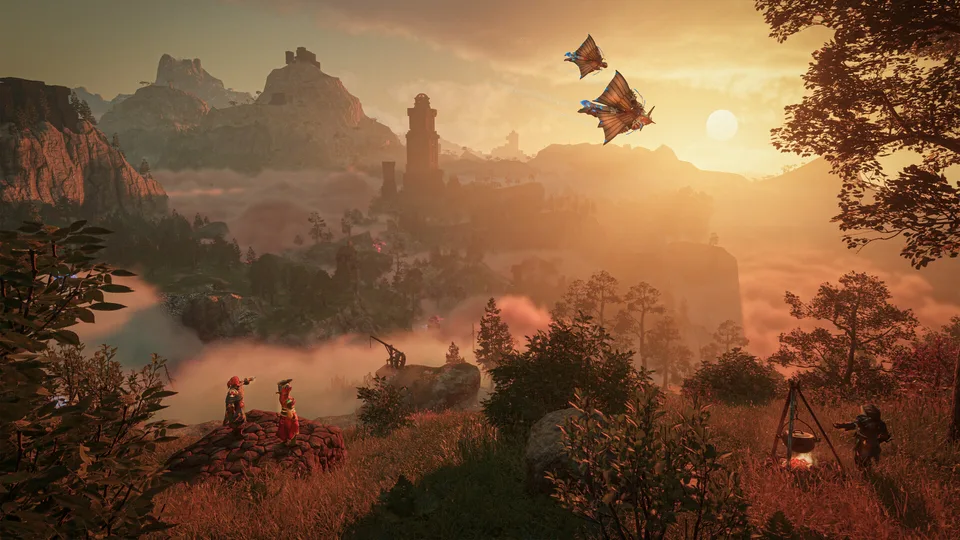
Discover how to optimize your survival strategy using the ultimate enshrouded interactive map. Get the latest tips for version 1.0 today.
Published: Enshrouded Wiki Editorial Team
Table of Contents
Navigating the Expanded World of Version 1.0
Surviving the foggy valleys and treacherous peaks of Embervale requires more than just raw combat skill; it demands precise geographical knowledge. If you have ever felt lost trying to find rare crafting materials, hidden lore pages, or specific boss spawn locations, an enshrouded interactive map is your absolute best friend. With the massive 1.0 update developed by Keen Games GmbH on Steam, the game world has expanded dramatically, introducing verticality updates, sky islands, and the deadly Cinder's Cradle region. Using an enshrouded interactive map allows returning and new players alike to plot optimal gathering routes and uncover secrets that would otherwise take hundreds of hours to find manually.
Knowing your way around the terrain is critical because the latest update completely changes how you interact with slopes, bases, and dungeons. According to player experience reports, traversing steep mountains is now significantly more forgiving, letting you scale heights that previously forced you to slide down. By pairing this in-game physical exploration with external navigational tools, you can pinpoint resource nodes like diamond veins and ancient spark locations much faster.
Essential Navigation Tools and Map Features
When planning your expeditions across the updated landscape, understanding the layout provided by community resources helps prevent wasted time. Popular tracking tools available on platforms like MapGenie offer comprehensive filters for collectibles, bosses, and shroud roots.
Interactive Map Filters
Use specific category filters to isolate lore pages, flame shrines, and fast-travel spires, cutting down search times significantly during high-level resource farming runs.
Custom Marker Tracking
Drop custom pins on your digital tracker for unmined diamond nodes and dungeon entrances to establish repeatable daily farming loops without relying solely on memory.
To help you categorize your exploration priorities, the table below outlines the primary utility of different mapping and navigational assets available in the current patch.
Navigational Tool
Primary Function
Recommended Usage
Digital Web Trackers
Pinpointing hidden chests and lore
Best used on a second monitor or mobile device while playing
Kindle Way Spire
High-altitude gliding launch point
Ideal starting point for surveying nearby spark locations
Flame Altars
Establishing custom spawn and fast-travel points
Critical for endgame dungeon runs and sky island progression
In-Game World Map
Tracking overall biome boundaries and shroud zones
Essential for identifying newly unlocked border pathways
Optimizing Endgame Routing in Cinder's Cradle
Exploring the newly added Cinder's Cradle zone and the sky islands floating above it requires careful altar management. According to community reports, these endgame areas completely lack natural respawn points, meaning a single misstep can result in a punishing fall and lost progress.
Purge Unused Altars: Delete outdated flame altars in starting biomes to free up your maximum altar capacity.
Establish Footholds: Place a new altar at the base of difficult sky island chains to secure your checkpoint progress.
Secure Boss Rooms: Drop an altar directly outside major boss arenas so you can quickly farm elite components without running across the map.
Furthermore, interior dungeon doors and panels now demand significant quantities of sparks to unlock high-tier loot. Maintaining an inventory of 30 to 50 sparks ensures you never get locked out of valuable progression rewards during your mapping expeditions.
Managing Resources and Quality of Life Settings
Beyond geography, modern survival planning involves utilizing game settings that synergize with your mapping strategy. Turning on the automatic collection of scattered loot in the game settings menu transforms how you harvest materials while following predefined routes.
Tip
Enable the auto-collect feature for loose items in your game settings before starting a resource-heavy run. This allows you to harvest materials instantly while walking over them, saving countless hours of manual looting.
The following checklist highlights crucial steps to prepare your character for high-level biome progression alongside your navigational planning.
[ ] Adjust game settings to enable automatic scattered loot collection.
[ ] Stockpile archaic lockpicks and archaic shards for high-tier dungeon chests.
[ ] Upgrade your storage chests directly through the interface without emptying them.
[ ] Unlock the airborne architect skill in the center skill tree to simplify base construction.
Frequently Asked Questions
What is the best way to use an enshrouded interactive map?
The most effective approach is to keep a web-based tracker open on a secondary screen while playing. Filter out completed icons to focus strictly on uncollected lore pages, shroud roots, and high-level resource nodes in newly unlocked biomes.
Do interactive maps show the new sky islands in version 1.0?
Yes, community-driven mapping platforms are regularly updated by players to include the vertical additions, sky island chains, and hidden dungeon entrances introduced in major patches.
How do I manage altar limits while exploring new regions?
Because altars are heavily restricted, you should dismantle old altars in starting zones where you no longer farm materials. This frees up altar slots to place temporary checkpoints near endgame dungeons and tricky platforming sections.
Are resources like diamonds marked on community tracking tools?
Most digital trackers allow you to view specific mineral nodes, including diamond veins located within the Cinder's Cradle shroud, helping you optimize your crafting material farming loops.