Best Enshrouded Server Hosting Guide for Seamless Co-op
Discover reliable enshrouded server hosting solutions for Keen Games' survival RPG. Learn about slot limits, performance, and dedicated setups.
Published: Enshrouded Wiki Editorial Team
Table of Contents
Why Dedicated Hosting Matters for Your Survival Journey
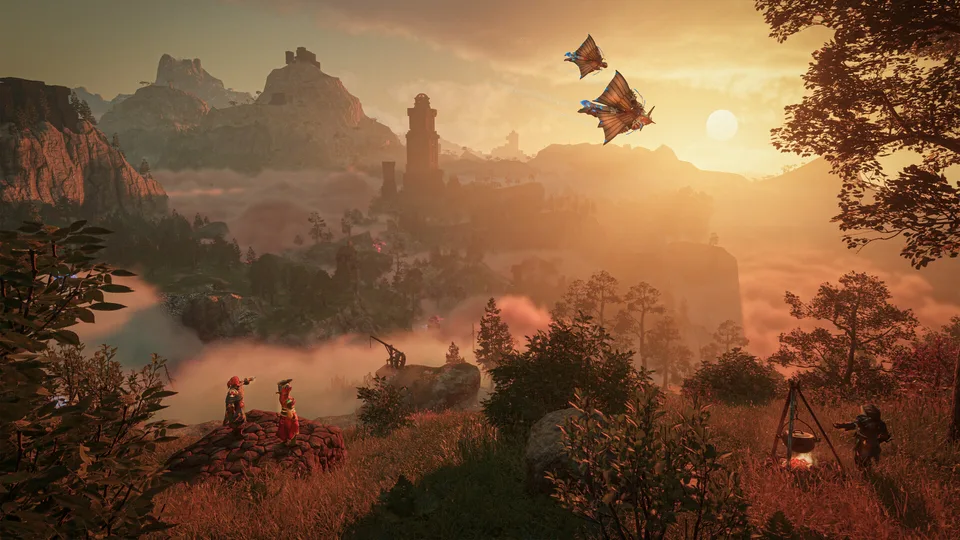
Stepping into the ruined, fog-choked realm of Embervale requires stable performance, especially when building sprawling voxel structures with friends. Securing a reliable enshrouded server hosting provider ensures that your world remains online 24/7, allowing your community to progress even when you are offline. Without proper enshrouded server hosting, peer-to-peer connection drops and hardware limitations can quickly ruin an otherwise immersive cooperative session.
According to community reports, running a dedicated instance dramatically reduces lag during heavy terraforming and combat encounters. Whether you are exploring ancient ruins or establishing a massive stone fortress, dedicated hosting guarantees smooth multiplayer synchronization.
Tip
Always choose a server location closest to your active player base to minimize ping and maintain fluid real-time combat responsiveness.
Evaluating Server Capacity and Performance Plans
When renting game servers, matching your slot capacity to your community size is essential for a smooth gameplay experience. Providers like GPORTAL, an official Keen Games partner, offer scalable slot configurations tailored to different group sizes. Below is a breakdown of common server plans and hardware allocations available for Keen Games' survival RPG.
Plan Type
Player Slots
Typical Duration
Recommended Use Case
Standard Small
4 Slots
30 Days
Small cooperative groups playing together.
Standard Medium
10 Slots
30 / 90 Days
Active guilds and medium-sized communities.
Maximum Group
16 Slots
30 Days
Large multiplayer servers and public communities.
Hardware performance directly impacts your session quality. Modern server infrastructure utilizes NVMe SSD hardware to ensure rapid chunk loading and minimal stuttering. Additionally, robust multi-layered defense systems—such as Bulwark™ and Corero DDoS protection—safeguard your community against malicious traffic spikes and unexpected downtime.
10-Slot Hosting Plan
Ideal for medium-sized player groups. Offers balanced resource allocation and optimal performance for exploring Embervale together.
16-Slot Maximum Plan
Designed for large communities. Provides maximum player capacity, allowing extensive building projects and full-scale cooperative exploration.
Essential Configuration and Management Features
Managing your game world should be straightforward, eliminating the need to manually edit complicated configuration files. Modern hosting dashboards provide intuitive web interfaces where administrators can adjust game rules, manage backups, and apply modifications with just a few clicks.
According to player experience feedback, having automated or one-click backup solutions is a lifesaver when experimenting with custom building mods or updating game versions. Reliable hosts generally provide dedicated backup storage space specifically for your savegames and configuration files.
Access your server control panel via the web management interface.
Navigate to the backup tab to create an immediate snapshot of your current world state.
Adjust your server settings, such as administrative passwords or mod loader preferences, then save changes.
Restart the server instance to apply all new configurations safely.
Preparing Your World for Major Content Updates
Survival games receive frequent patches, and staying up to date is crucial for accessing new weapons, building materials, and map expansions. Official hosting partners ensure that server instances are compatible with major patches, including the milestone 1.0 release. You can check out official game details directly on the Steam Enshrouded Store Page.
When a major update drops, server administrators can usually update their instances instantly through the management panel without waiting for complex manual installations. This seamless update process keeps your community ahead of the curve and ready to dive straight into fresh content.
Warning
Always perform a manual backup of your world files before applying major game updates or installing community mods to prevent irreversible save corruption.
Frequently Asked Questions
How do I modify my enshrouded server hosting settings?
You can easily adjust all game settings through your provider's web control panel. Simply log in, select the configuration menu, make your desired changes, and restart the server without messing with raw config files.
Do enshrouded server hosting providers support mods?
Yes, many official hosts include built-in mod loader options within their server settings menu, allowing you to seamlessly enhance your gameplay experience.
How long does it take for a rented server to go online?
Most automated game cloud setups provision your server instantly, making your dedicated world accessible in under three minutes after payment confirmation.